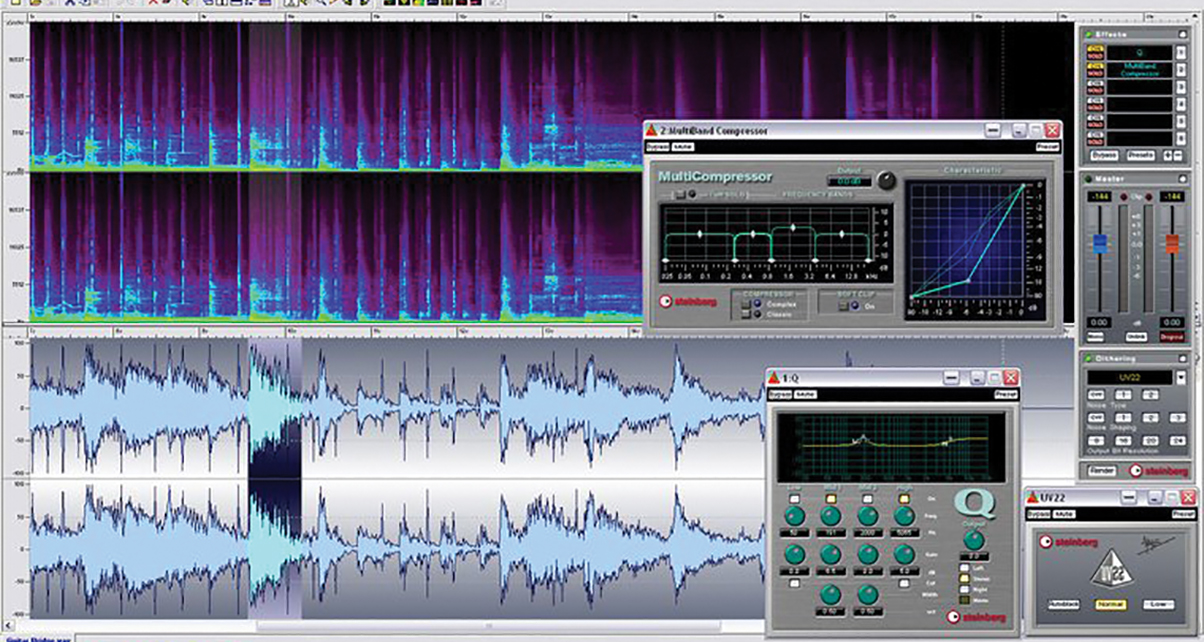
Audacity, the free, open-source audio editor for Windows, Mac and Linux, has just been upgraded to v3.0.
The new version introduces a new single-file project format, has an improved noise gate effect, a new analyser called “Label Sounds” that can label sounds and silences, new shortcuts, and over 160 bug fixes.
It still has the same old low-res look, but these are meaningful changes, and so if you are an Audacity user (as most DJs are, of course), it is a no-brainer upgrade.
What is Audacity for?
In short, it lets you load, edit and save audio files. For DJs, it can be used for a whole host of things, from removing silence at the start and end of tracks, to mastering DJ mixes, to making simple re-edits.
Indeed, it is one of two options we use to teach how to record, master and share DJ mixes in our popular All-New Pro Mixtape Formula course (the other is Ableton Live).
Think of it as a “Swiss Army Knife” program for audio editing. It’s free, and so if you don’t have an audio editor, this probably is the one to start with.
• To get the latest version of Audacity, head to the Audacity website.


Phil Morse